Features
From research to following up your cases.
A source to find, documents to analyse, a meeting to prepare. Discover Jef’s tools for each stage of your firm’s work.
50 free messages · Every feature included

Let’s prepare for your meeting.
Your preferences carry over to every case.
Search the law,
your documents and the web.
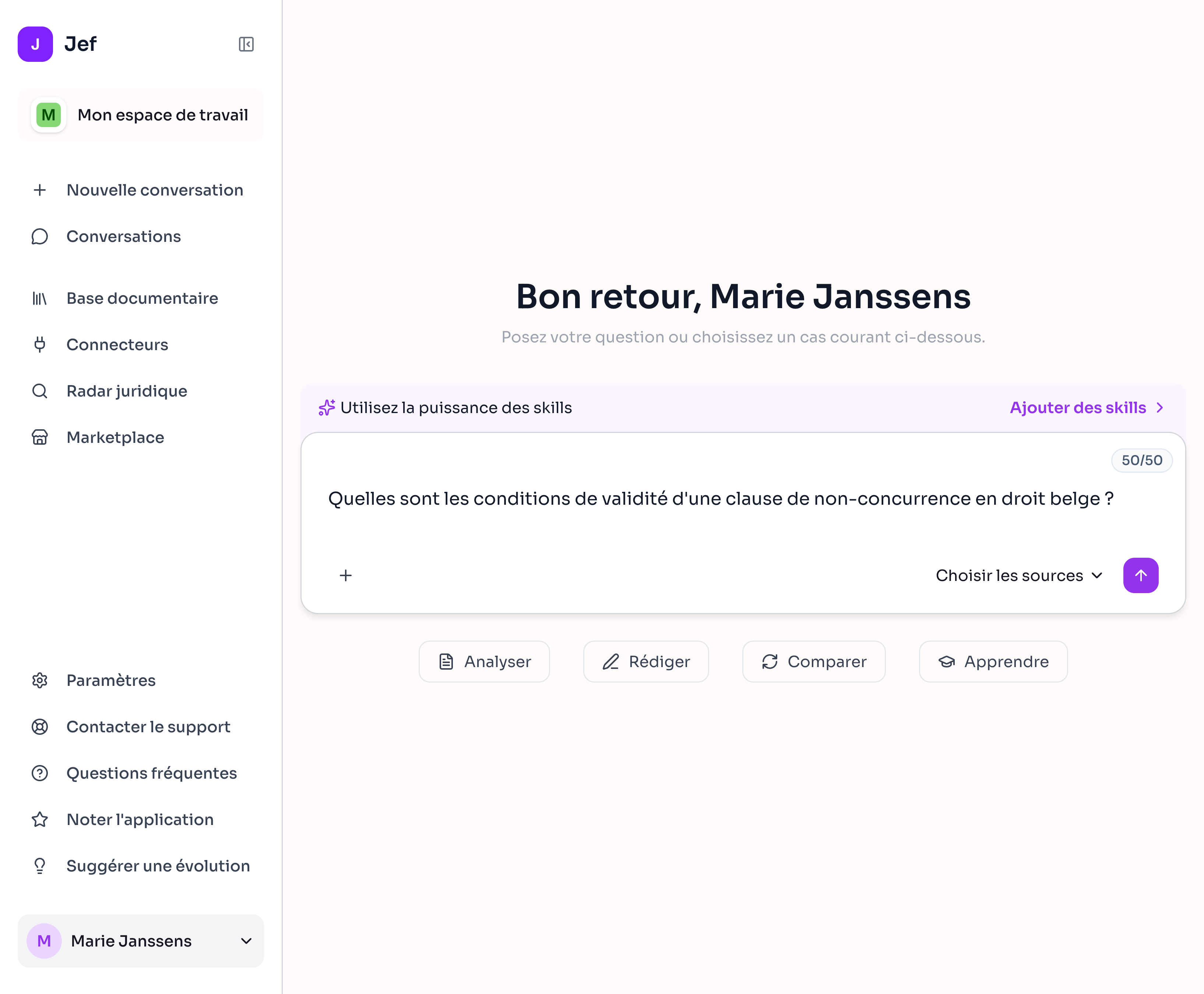
Search legal sources, updated daily, and your firm's documents. Extend your research to the internet whenever you need to.
Jef also accesses Belgian company data: identity, registered office, activities and legal status from the Crossroads Bank for Enterprises (BCE), as well as data from annual accounts filed with the National Bank of Belgium (BNB).
- Answers with references
- Search your own resources
- Advanced web research with

The sources behind your answers
Prepare your drafts
with your case documents.
Ask questions about your documents, compare versions or draft a letter. Jef draws on the context you provide.
- Document summaries and analysis
- Text and version comparisons
- Drafting and revising your documents
- Generate DOCX, PDF, XLSX and PPTX files
Revisit what was said
during the meeting.
Connect your calendar so Jef can join your Google Meet, Teams or Zoom meetings and take notes to add to your case files automatically.
- Transcript organised by speaker
- Meeting summary
- Downloadable transcript
- Filed in your document library
 Google Meet
 Microsoft Teams
 ZoomComing soon
00:18 · Speaker 1Let's go through the documents received this week.
00:26 · Speaker 2I've added the contract and the latest correspondence to the case file.
Contract and correspondence added to the case file. Next step: review the documents received.
Keep up with legal developments.
Add your legal topics in seconds. Jef then monitors legal publications and alerts you whenever a publication matches your topics.
The legal radar
Use an alert as the starting point to explore a topic further with Jef and its research tools.
Explore legal monitoring in JefA method for
every legal task.
A skill gives Jef a method for a specific task: preparing oral submissions, organising exhibits or testing an argument. You provide the case file; Jef follows the set steps.
A preview of the skills catalogue, with new additions regularly.
The advocate
Prepare oral submissions using the evidence and arguments in your case file.
The challenger
Spot weaknesses in your reasoning and anticipate opposing arguments.
Exhibit inventory
Organise and number your exhibits to prepare your schedule.
The common thread
Reconstruct the chronology of events and find the related evidence.
Written submissions analysis — pilot project
Review the structure of your written submissions against the criteria of the French-speaking Brussels Enterprise Court's pilot project.
The decoder
Prepare a plain-language explanation of a legal document for your client.
Share the resources
in your firm.
Bring together the templates and resources your firm needs. Permissions define who has access; everyone can keep private documents too.
- Documents shared within the firm
- Private documents for each team member
- Advanced permissions to control access
- Personal preferences remembered automatically
Upload the files you already use.
Upload your documents directly to Jef or connect an external drive to keep your resources synchronised.
Your files stay up to date in Jef as you make changes on your drive. Text recognition also enables support for images and scanned documents.
 Google Drive
 OneDrive
 SharePoint
Key formats
Documents and office files
Emails, text and images
Audio
From the first email
to the meeting.
Connect Gmail, Outlook or any other IMAP-compatible mailbox. Add your calendar so Jef can read your correspondence, check your availability and prepare your replies.
 Gmail
Gmail Outlook
Has a client emailed to arrange a meeting? Ask Jef to read their message, check your calendar and draft a short confirmation email.
And during the meeting, Jef takes notesjefA choice of models
AI evolves. So does Jef.
Jef works with several AI providers. This lets us select the models best suited to your needs and adapt that choice as the technology improves. You keep your case files, preferences and working environment.
Benefit from better AI without changing tools.
Several providers, the freedom to choose.
Try Jef on
one of your cases.
Research, drafting, transcription and legal monitoring: every feature is available during your trial.

50 free messages. No commitment.